
Ash-glaze mug
¥4,800Today
Out of stock
Save products from different shops with their photos, prices and stock. Come back to your finds, check prices and choose when you are ready.
Start saving, it's freeGoogle or email. No card. Nothing to install.
That's how most of us keep things for later. See what gets lost on the way.
Open tabs
To compare prices, you open every shop again.
The find stays, even after the tab is closed.
Screenshots
You don't know where to buy it or whether the price changed.
The shop link is kept, so the price can be checked again.
Links to yourself
A week later you can't tell what it was or what it cost.
Paste or share the same link, and it becomes a card you can find again.
Pick an example, then try a link of your own.

For a computer. Works in Chrome, Edge, Brave and Arc.
For a phone. The bot answers right in your chat.
For any device. The WantLoom site is all you need.
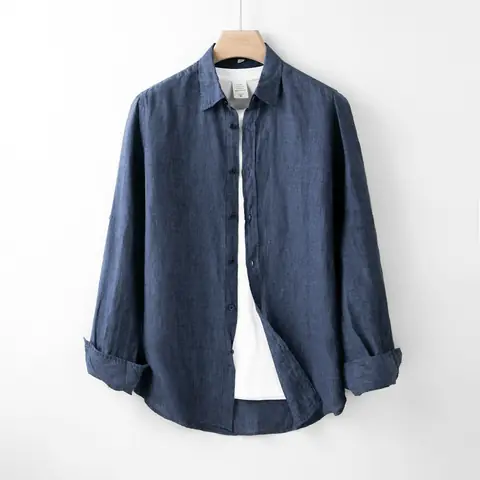
Make a wishlist for your wardrobe, your home or gift ideas. Group finds into collections, keep a collection private and add your own notes.

Track price changes on saved products with a manual check. One tap reads the shop again, so you can see whether the price went up or down and if the item is back in stock.
Your finds get a page you can send to anyone. Like something on a friend's page? Add it to your finds with a note of your own.
Buy when it feels right, or not at all.
Yes. Create a wish list with products from different shops, save gift ideas and organize them into collections. Saving and manual price checks are free.
Most product pages. If a page can't be read, type the name and the price yourself, and the link is saved all the same.
No, it only makes saving quicker on a computer. It isn't in the Chrome Web Store yet: you get it from your account.
A find shows on your public page unless it sits only in private collections. Only you see a private collection.
Not yet. You check a price yourself, whenever you like.
Not yet. On a phone, use the Telegram bot or the site.
No. It reads only the product page you choose to save.